> For the complete documentation index, see [llms.txt](https://help.heyetsy.com/en/llms.txt). Markdown versions of documentation pages are available by appending `.md` to page URLs; this page is available as [Markdown](https://help.heyetsy.com/en/payment/payment-instructions/purchase-heyetsy-directly-on-the-website.md).
# Purchase Heyetsy directly on the website
You can purchase services directly on the website [Heyetsy.com](https://heyetsy.com/)
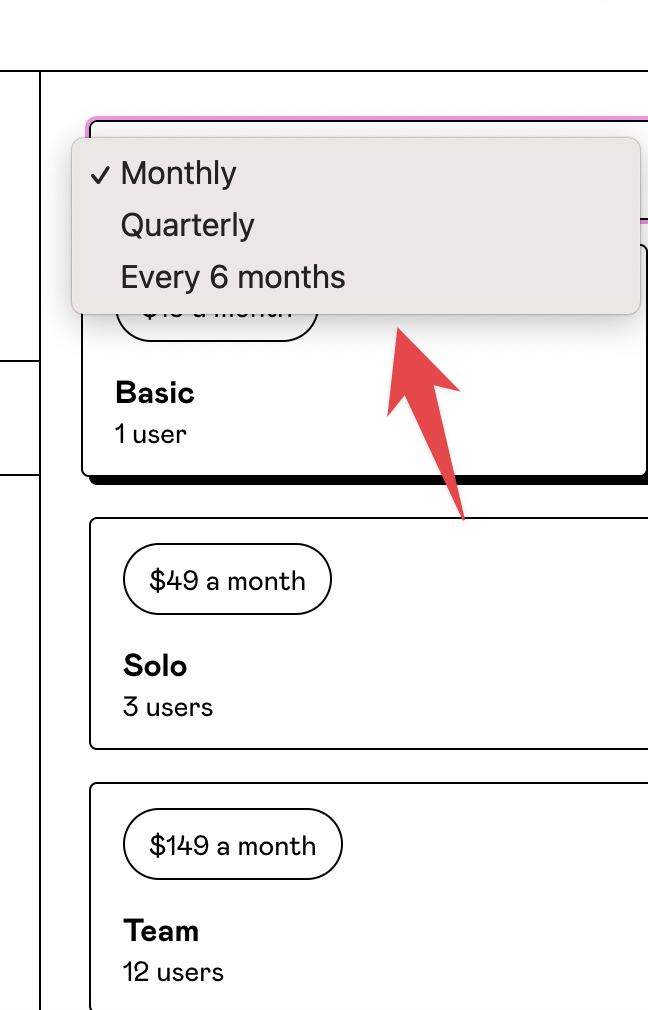
Available Services Packages
* 1 month
* 3 months
* 6 months
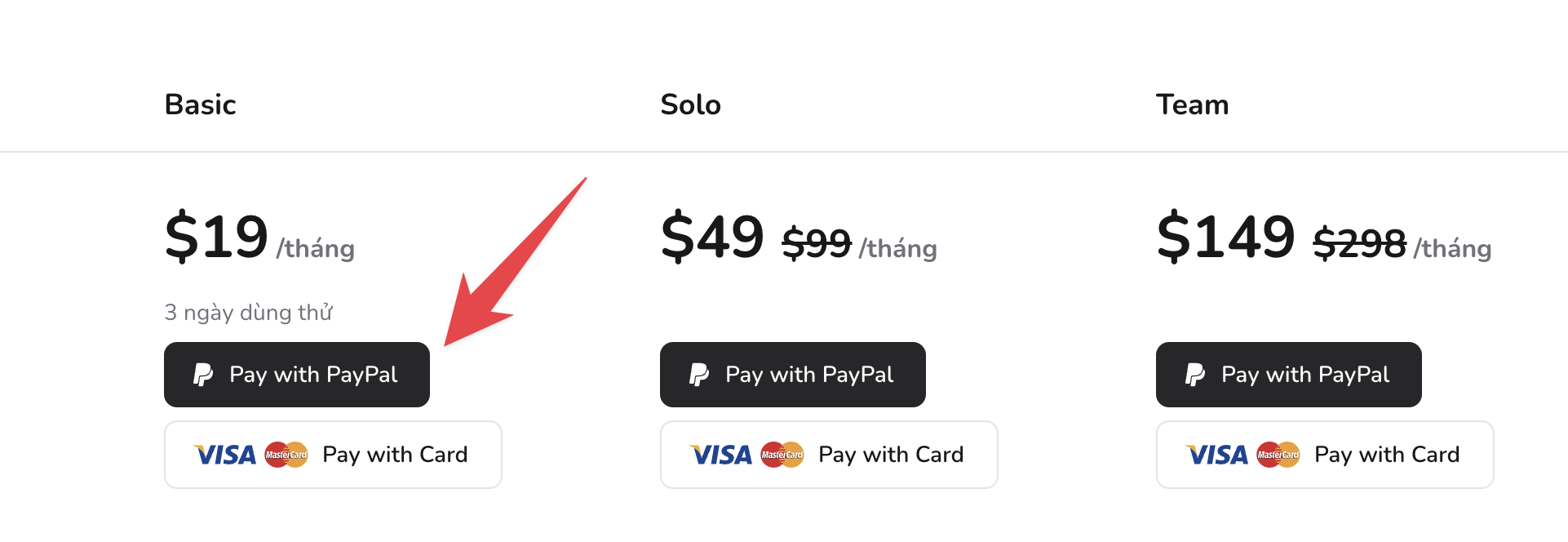
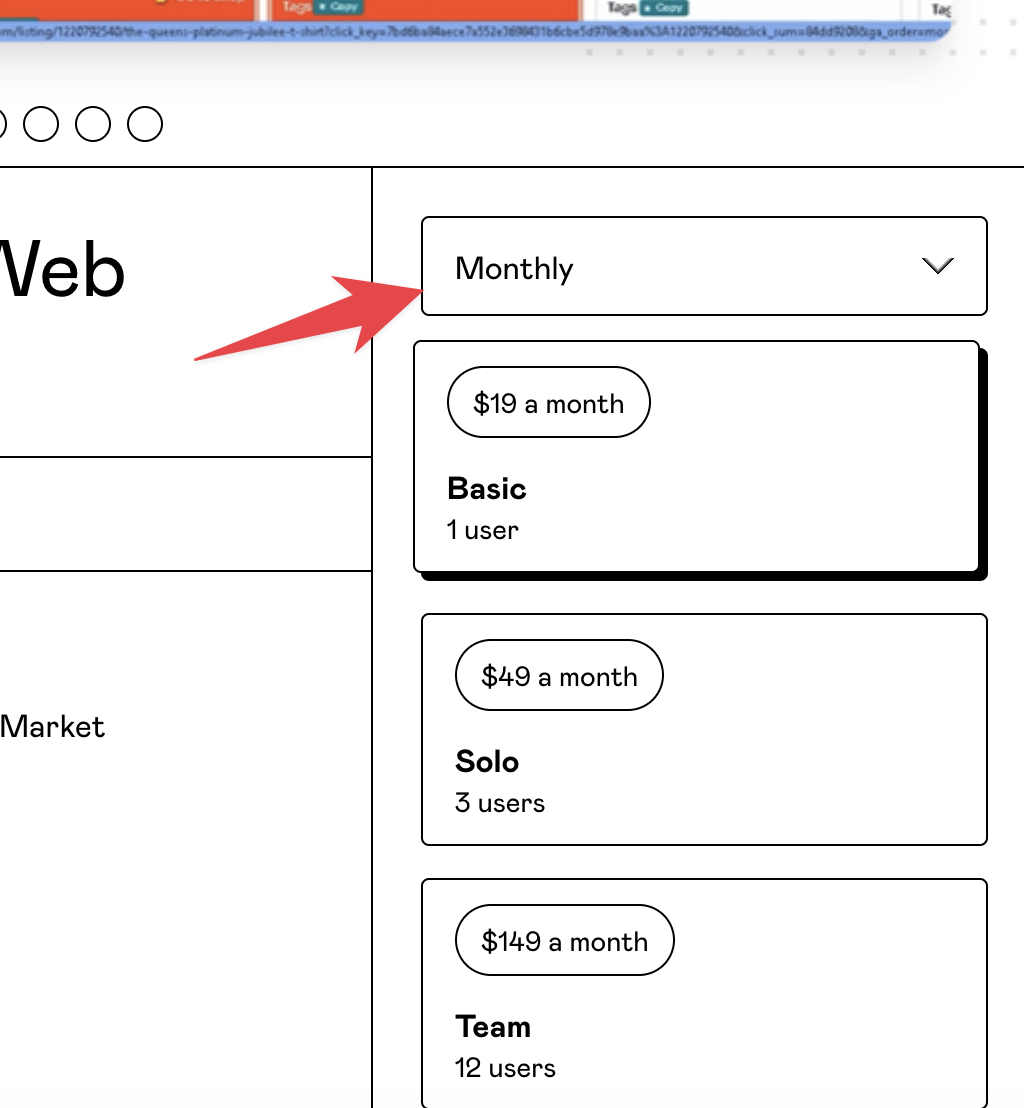
You can refer to the position below:
Ấn vào nút thanh toán bất kỳ
Select the number of months to pay
{% hint style="info" %}
Note: The payment Email and the Email (that you use on Heyetsy or YTuong) **must match** for the payment to automatically recognize and activate.
In the event that the self-service payment option is not functioning, you can reach out to our support team via the chat area located at the corner of your screen for assistance.
\
When you make a direct payment on the website, automatic monthly renewal will be activated for each renewal period.
{% endhint %}
{% content-ref url="/pages/gMuARCXzgahgIBQWhK90" %}
[How do I cancel automatic monthly renewal?](/en/q-and-a/how-do-i-cancel-automatic-monthly-renewal.md)
{% endcontent-ref %}