> For the complete documentation index, see [llms.txt](https://help.heyetsy.com/en/llms.txt). Markdown versions of documentation pages are available by appending `.md` to page URLs; this page is available as [Markdown](https://help.heyetsy.com/en/starting-point/installation-instructions/display-the-chart-of-orders-below-each-store.md).
# Display the chart of orders below each Store
Instructions for viewing the chart of orders for each Store on Etsy using Heyetsy
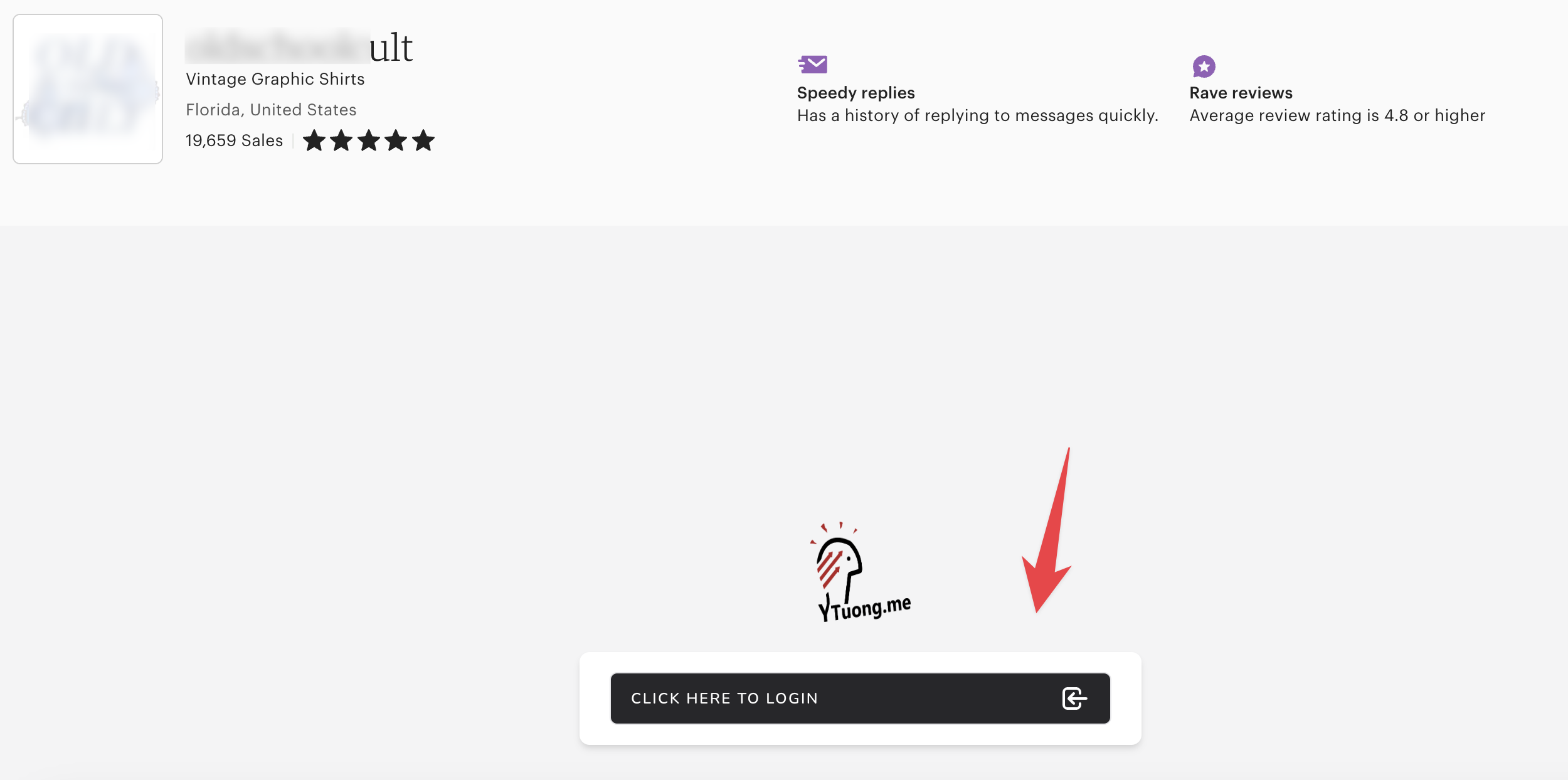
After installing the Heyetsy Extension on Chrome, you will see an Iframe box appear below each Store that you visit.
Iframe for the order chart under each Store
Log in to your Heyetsy account at the iframe location to view the order chart information.
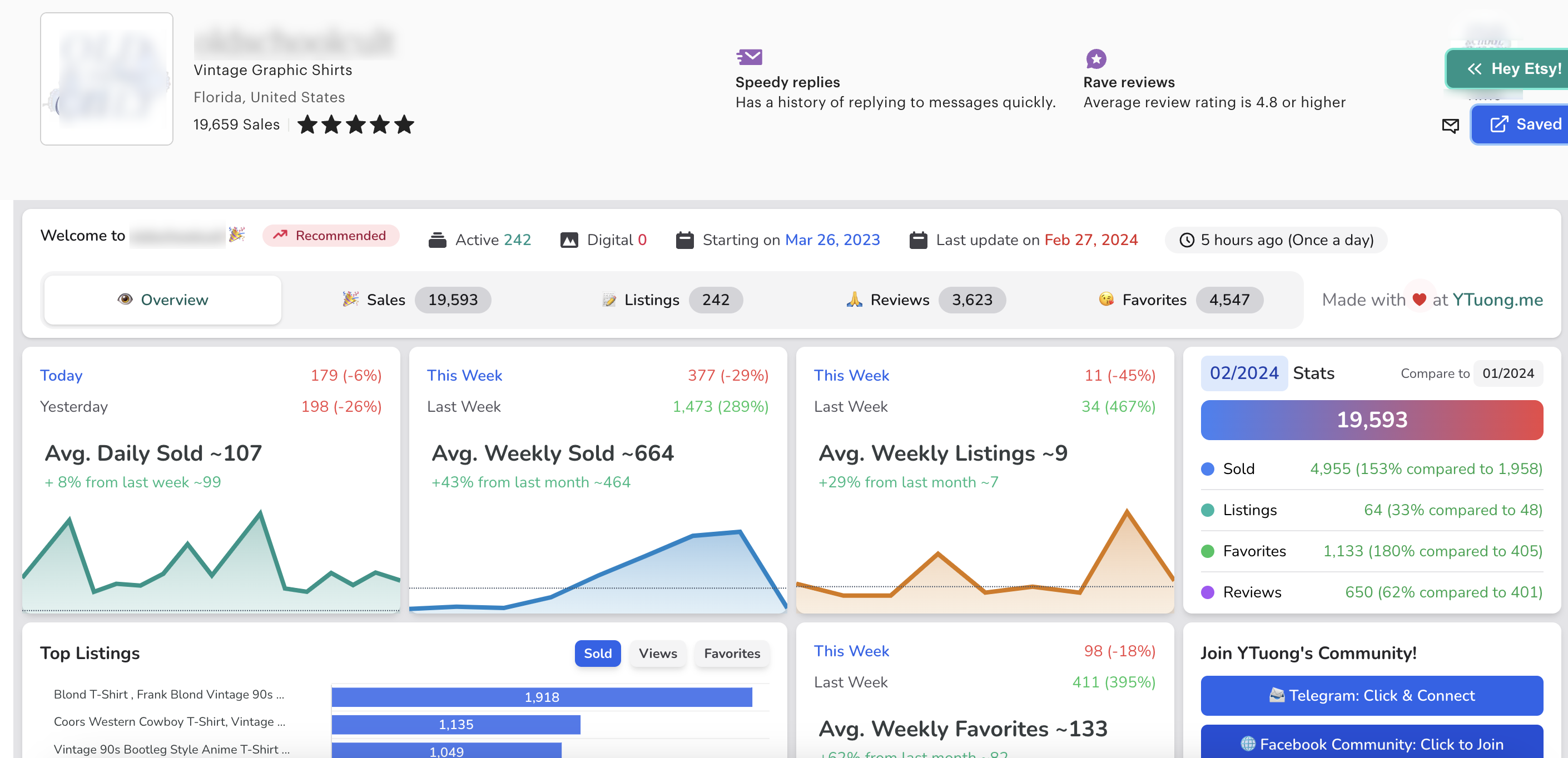
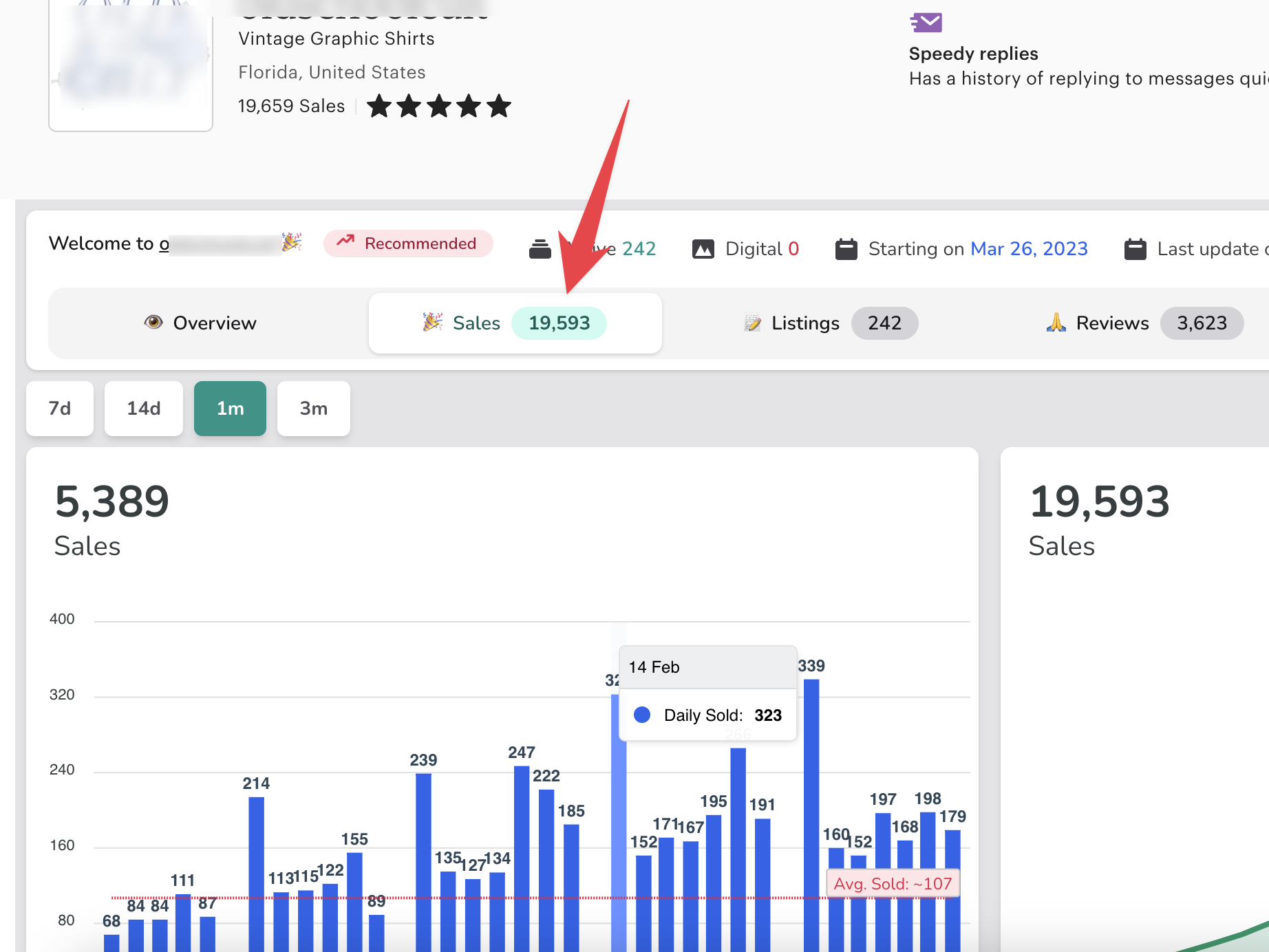
Biểu đồ tổng quát sau khi đăng nhập Iframe trên Extension Heyetsy
Order Chart After Logging in Through Iframe on Heyetsy Extension
If your Chrome browser is having issues with logging in, or you are unable to view order charts, please follow the instructions below:
{% content-ref url="/pages/F9zoiXpRAwzG43UCcptu" %}
[I can't view the order chart under each Store?](/en/q-and-a/i-cant-view-the-order-chart-under-each-store.md)
{% endcontent-ref %}